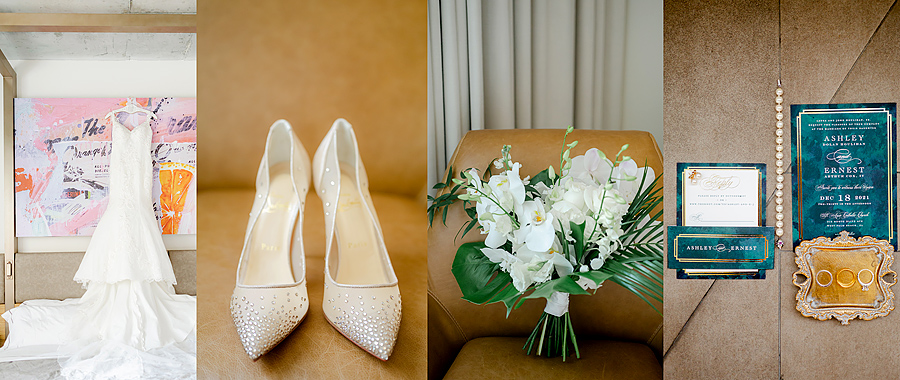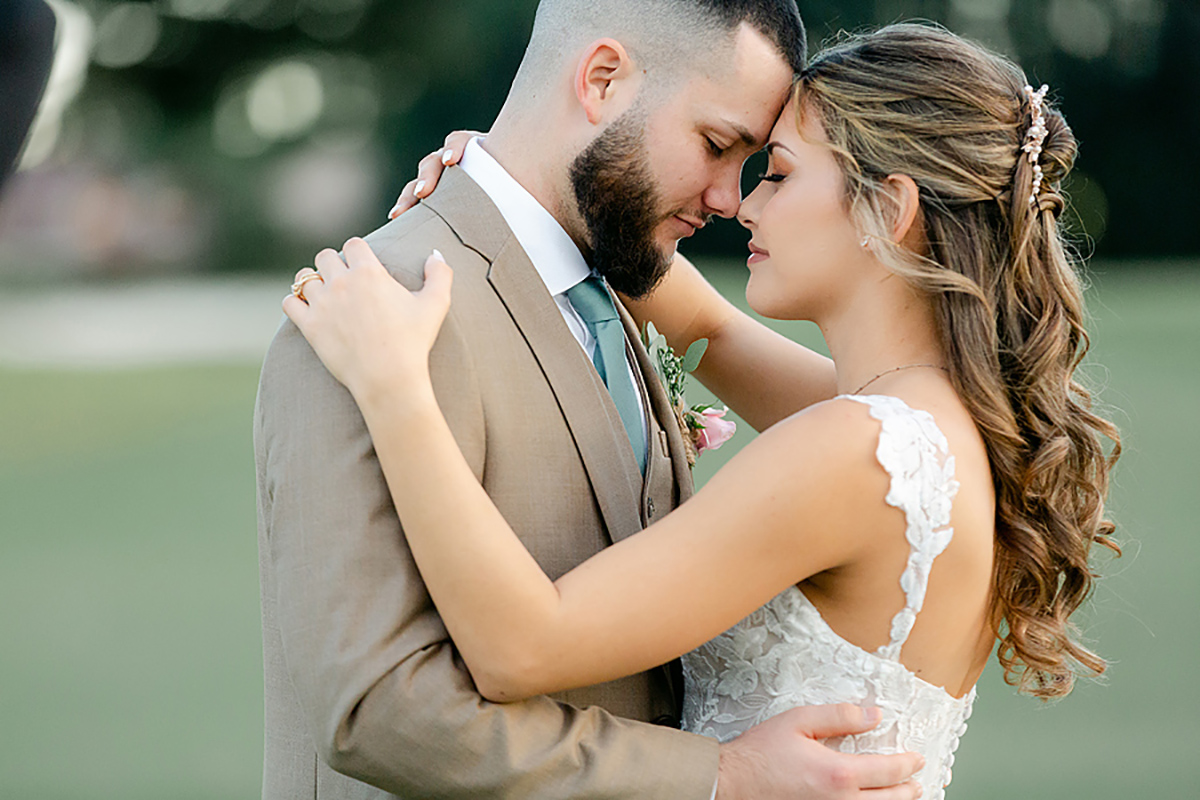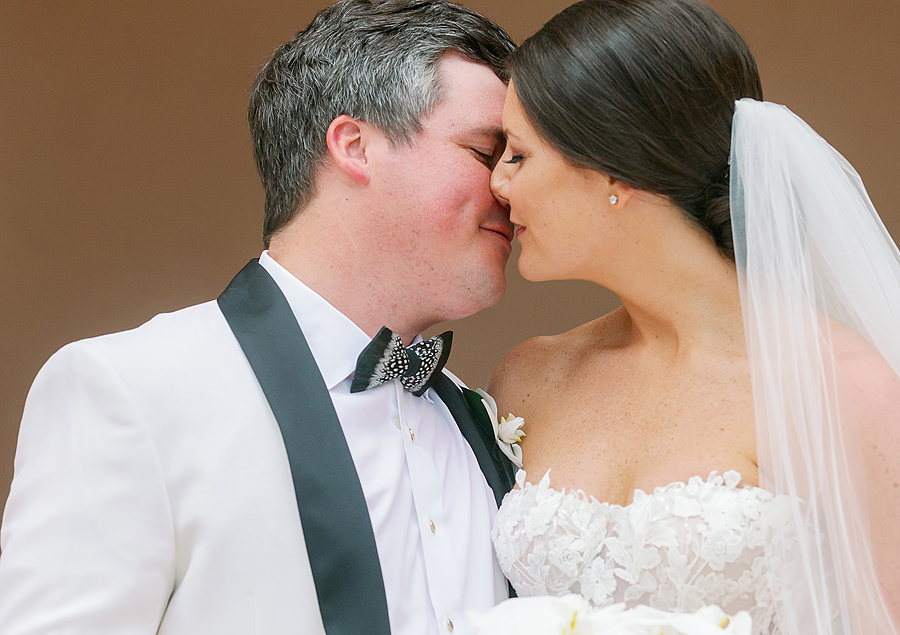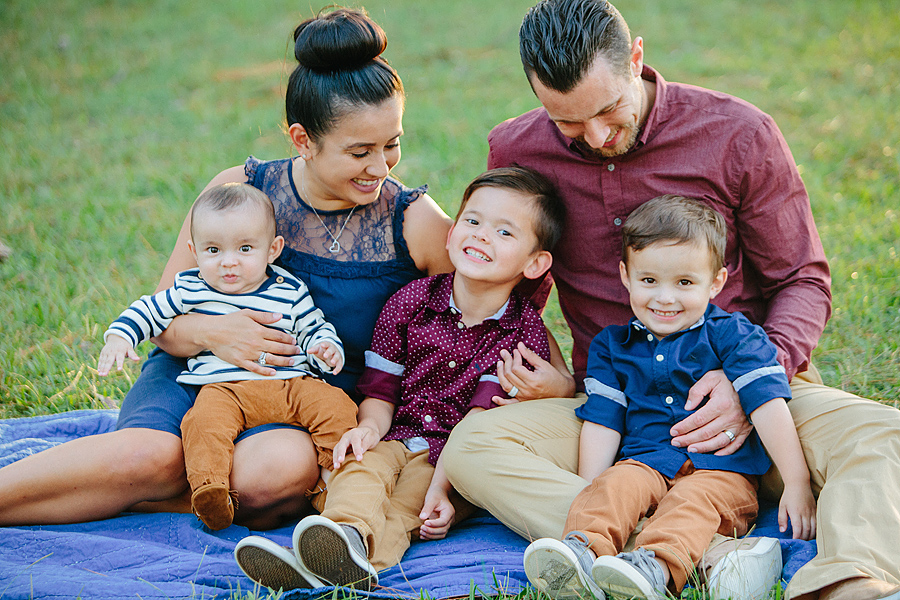
I often times get asked how we get the detail shots we do. That they are a crisp, focused object and a blurry background. Well one of the ways we can achieve this kind of shot is by setting our camera on manual and controlling our aperture.
First, let me explain what aperture is. Aperture is the opening (or basically the little hole) that allows light in to the camera. The smaller the number on your control panel the bigger the opening. The smaller the opening the larger the number (it usually ranges in numbers from 1.2- high teens).
Still confused on how aperture works a little? Well, I used to use this example when teaching my high school journalism classes. A camera works similar to your eye. You have a eyelid that blinks (kind of like the shutter on a camera) and you have an opening that allows light in- your pupil. When it is dark, your pupils get large right? When you step out in to the sunlight, they get smaller. Make sense?
Well that is kind of how the settings work on camera. But the great part about a camera, is you can manipulate those things to get something prettier than what we can see with our eyes.
So this will work for anyone who has a digital SLR or a point and shoot that has a manual setting. You can adjust your aperture by setting your camera on Manual (The little M on the dial). Then adjust the aperture. For some cameras you can see the aperture size on the top of the camera on a little control panel screen. This is also where you can see numbers for your shutter, ISO, etc. Other cameras may show the number on the main LCD screen in the back of the camera. Remember the aperture number usually ranges in number from 1.2- a high teen number.
Now, when you adjust the aperture.. you will have to adjust your shutter as well to get a properly exposed image. The shutter is the number that looks more like 1/500, 1/2000, etc. This is the little fan that opens up when the camera captures the image. The brighter the light is, the quicker the shutter will be.
But, let’s get back to the aperture. And the differences between a higher number aperture and lower number one.
I took a few shots to show you guys what I am talking about….
I just got this pretty ribbon in the mail from Southern Weddings (Which this is a total side note… but if you haven’t picked up one of their adorable magazines.. you really should. Their blog is also fabulous. What a great group of ladies). But, I thought this would be an easy object to shoot and show you the difference.
I set the camera three different ways here. In the first image, I shot the ribbon the way I would normally shoot. The camera was on Manual setting with an aperture of 1.8 (Shutter was 1/8000, ISO 400). The second shot was also on Manual setting, but I cranked the aperture up to 5.0 (shutter at 1/640, ISO 200). The last image I put the camera on Auto setting (the green square), which means I have no control. The camera gave an aperture setting of 7.1 (Shutter at 1/250, ISO at 100). Do you guys see the difference?

Here’s one more example… You can see here the images look a little different (mainly if you look at the stripes). I exposed them pretty evenly… but the aperture is higher on one and not the other. The shot that has the higher aperture has more detail on the yellow table cloth, where the lower one… puts more attention on the ribbon.

I hoped this help those of you who are dabbling in photography… or want to!
And, if you haven’t practiced shooting on Manual mode… that is where it’s at.
(I was a little sleepy today, so hopefully this was clear)
If you have more questions about aperture, please leave a comment below.
Happy Shooting!
Oh…. and I am also looking for more ideas on Tidbits posts… If you have a topic you would love for us to write about… please also leave that in a comment below!
by Jen Schartner
no comments
add a comment link to this post email a friend